Especially in office, factory, or data center environments, bandwidth not only affects the user experience but also directly impacts operations, surveillance cameras, servers, and continuously connected devices.
What is the difference between network bandwidth and internet speed?
Many people still confuse these two concepts.
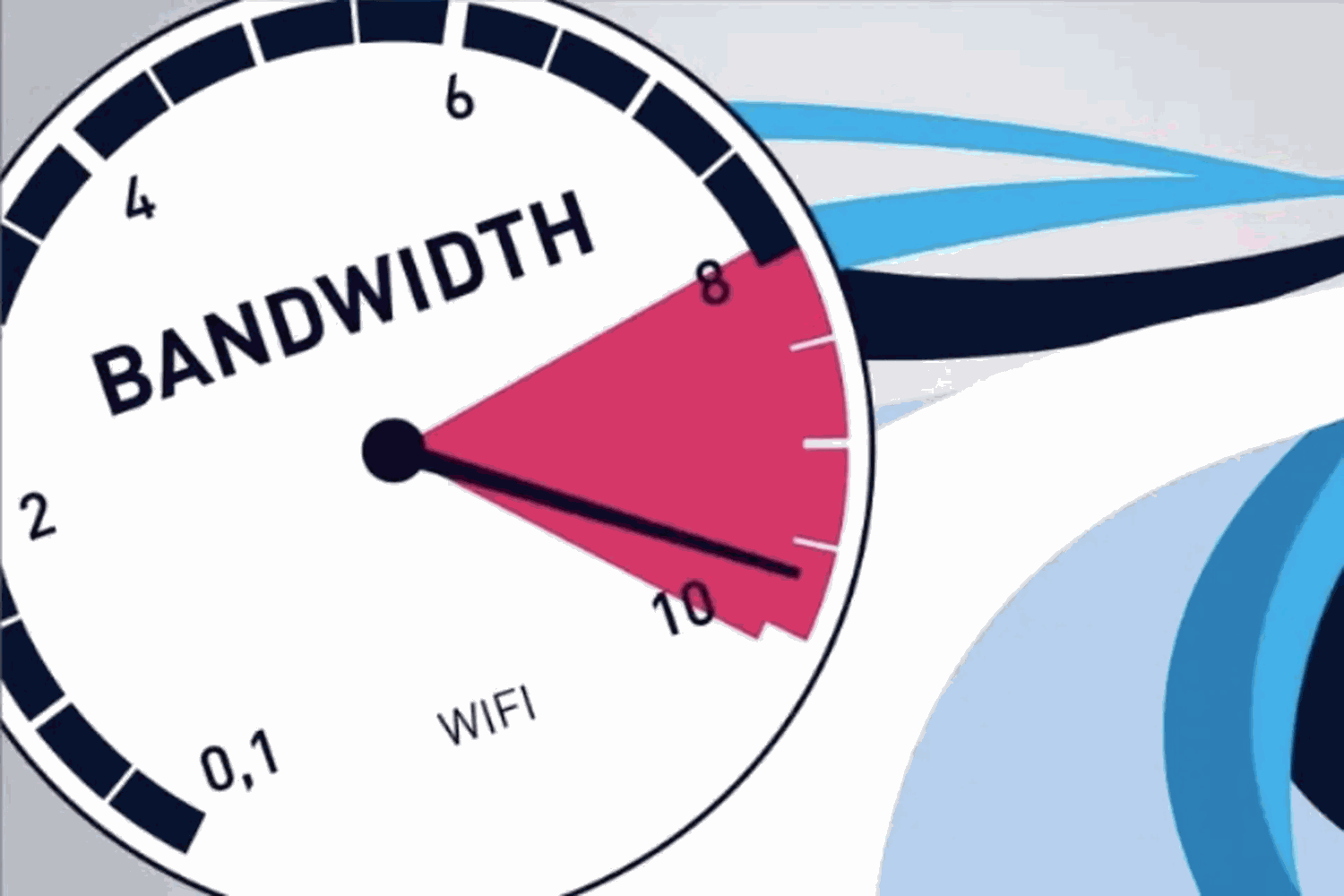
Bandwidth represents the maximum amount of data that can be transmitted through a connection in one second, which can be visualized as the "width of a lane." Meanwhile, internet speed describes how quickly or slowly data travels on that lane.

If bandwidth is limited, the network can easily become congested when many devices access it simultaneously, even with advertised high-speed packages. Conversely, low download speeds sometimes don't stem from the internet service provider but from the network cable, switch, or internal system.
3 common ways to measure network bandwidth
Depending on whether you need it for home or business use, you can choose one of the following methods.
1. Quick measurement via web browser (Speedtest)
The simplest way is to access Speedtest.net for a quick check:
+Ping (latency)
+Download Speed
+Upload Speed
Low ping results in a smoother connection when making video calls or playing games. However, Speedtest only reflects the internet connection at the time of measurement and doesn't say much about the quality of the internal LAN network.
2. Check using a mobile app.
iOS or Android apps that allow you to monitor network speed are quite convenient, useful for quickly checking the strength of your Wi-Fi signal.
However, Wi-Fi is always affected by obstacles, interference, and distance from the router, so the results often fluctuate and may not accurately reflect the performance of a business network.
3. Download large files via LAN cable.
This method is more practical. Connect your computer directly to the router or switch using a LAN cable, then download a large file to observe the transfer speed.
If the speed is unusually low, the cause may sometimes lie in the network cabling infrastructure, RJ45 connectors, or a substandard switch.
What devices do businesses typically use to measure bandwidth?
In a business environment, network testing goes beyond just Speedtest. Network engineers often need to perform more in-depth tests such as:
Internal link speed between switches and end devices
Network cable faults causing signal loss and bandwidth congestion
Actual transmission performance of the LAN system
At this point, several devices can be applied, such as:
1. Fluke Networks LIQ-100 (LinkIQ Cable+Network Tester)
Fluke Networks LIQ-100 Suitable for quick on-site testing, supporting:
+ Determining 1G/10G link speeds
+ Detecting cable faults and misconfigurations
+ Testing PoE for IP cameras and VoIP phones
This device is often used when businesses experience "slow network speeds but the source of the congestion is unclear".
2. Fluke Networks DSX2-8000 Cable Analyzer
If the system requires acceptance testing of network cabling infrastructure, the Fluke Networks DSX2-8000 is a more specialized model, supporting:
+Cat5e/Cat6/Cat6A cabling certification
+Assessment of network installation quality
+Suitable for large offices, factories, and data centers
The DSX2-8000 is commonly used in new deployment projects or for retesting network systems after extended use.
EMIN provides genuine Fluke Networks network testing and measurement solutions.
EMIN currently offers Fluke Networks network testing equipment such as the LIQ-100 LinkIQ and DSX2-8000 Cable Analyzer, serving the needs of bandwidth testing, network cable quality assessment, and optimization of enterprise network infrastructure.
If you need advice on choosing the right model for your office, factory, or network installation project, the EMIN technical team is always ready to assist.